TKG v2 workload Cluster NodePool deletion got stuck
- bansalreepa999
- Jul 11, 2023
- 1 min read
When try to delete TKG v2 workload cluster node pool from TCA UI and it remains in deleting state as shown below and none of the VM actually got deleted.

Troubleshooting Steps-
Login into TKG workload cluster associated with the node pool and check the nodes status.
Run command- “kubectl get nodes” and here all the nodes associated with nodepool are in Ready, Scheduling disabled state.
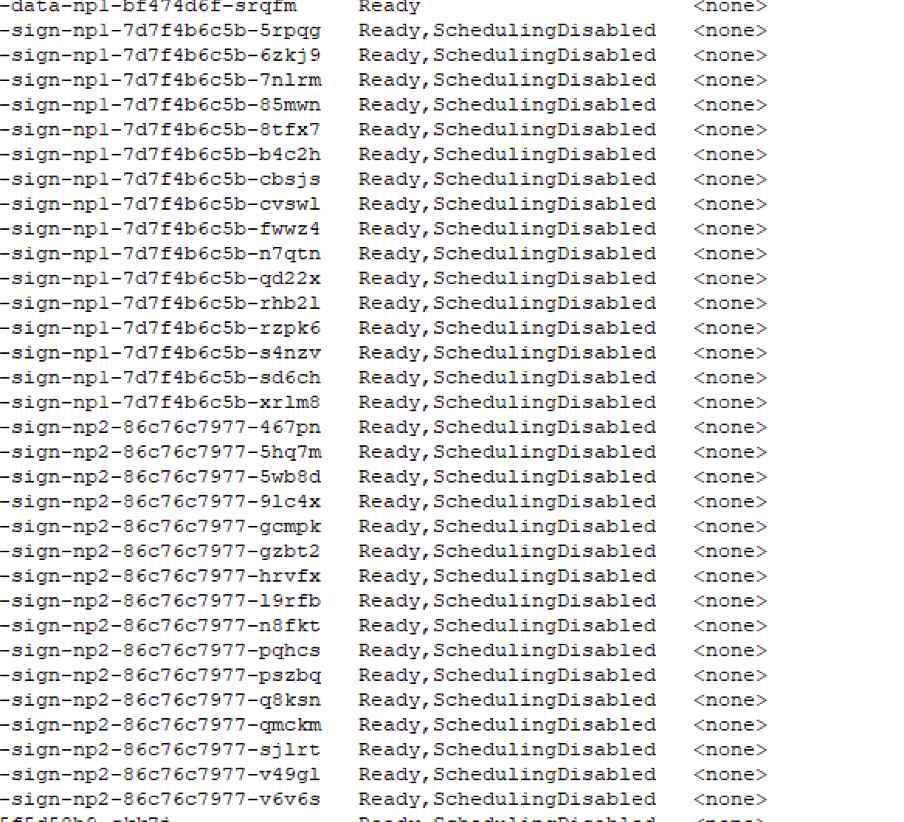
Try to drain the node manually and check if the node gets deleted. If not then
login into TKG Management cluster associated with TKG workload cluster and check the machines status.
Run command-“kubectl get machines -n namespace(TKG workload cluster name) and here all are shown in deleting state.

Check the capv pod status in TKG management cluster. Run below commands
kubectl get pods -A | grep capv
kubectl logs pod-name -n capv-system | grep error
If the logs output is like below

Restart the capv pods by running the below command where podname is the name of the pod.
Kubectl delete podname -n capv-system
Now nodes will get start deleting and nodepool deletion will be successful.

Comments